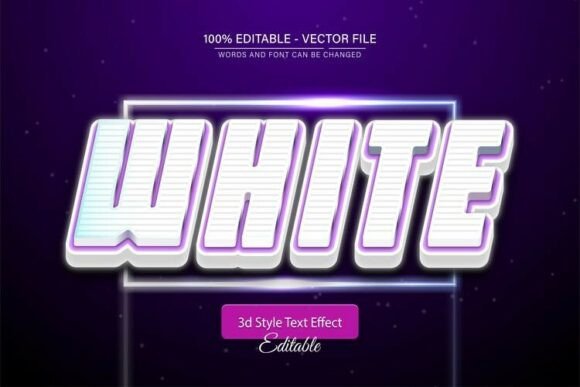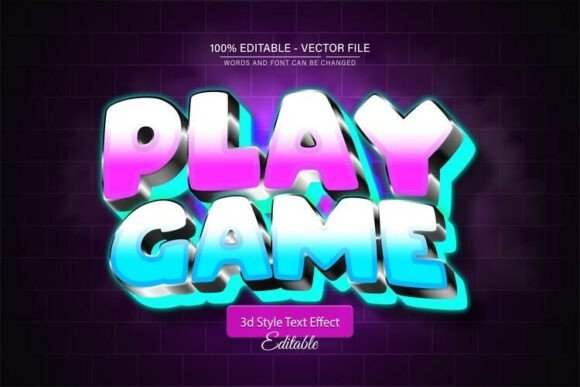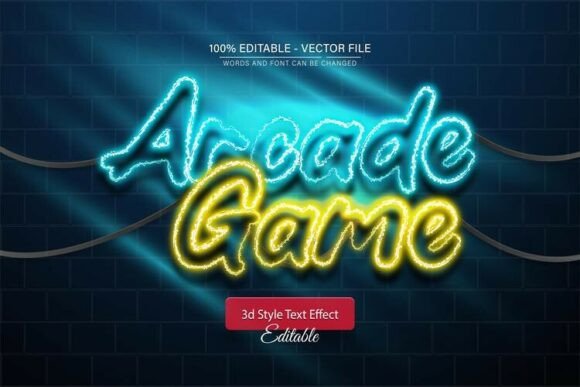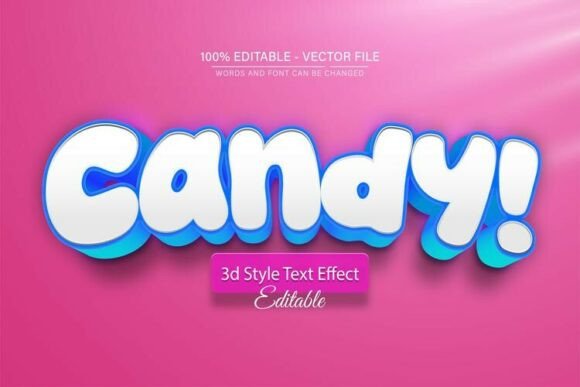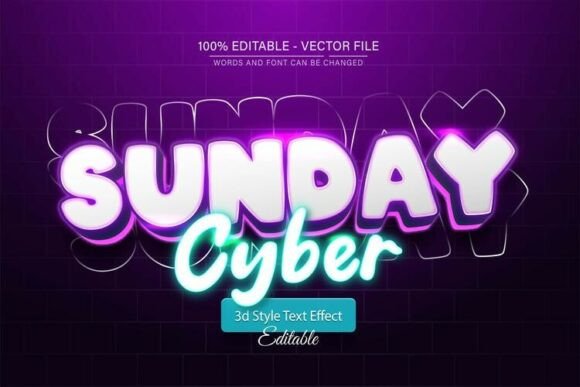
Cyber Sunday Neon Glow 3D Text Effect
Modern design projects demand visuals that stand out while remaining flexible and easy to edit. The Cyber Sunday Neon Glow 3D Text Effect delivers both impact and adaptability. This vector-based design brings a futuristic, glowing aesthetic to text elements, making it ideal for digital and print applications alike. Whether you're creating promotional banners, social media graphics, or branding assets, this text effect adds a dynamic visual punch without requiring advanced design skills.
What sets the Cyber Sunday Neon Glow 3D Text Effect apart is its full editability. Built as a vector in EPS format, it retains clarity at any size. Designers can scale the text up for large posters or down for mobile app buttons without compromising quality. The inclusion of JPG previews makes it easy to visualize the final look before diving into editing. This combination of flexibility and polish makes it a valuable asset for both beginners and experienced creators.
Customization Made Simple
One of the most appealing features of this design is its ease of customization. Users can modify the text content, color scheme, and glow intensity with just a few clicks in Adobe Illustrator. The text remains fully editable, allowing for quick changes to wording, font size, and alignment. Whether you're adjusting a headline for a new campaign or tweaking a logo for a client, this streamlined editing process saves time without sacrificing quality.
The effect supports unlimited color variations, letting you match brand colors or experiment with bold neon palettes. A simple recoloring can transform a bright, energetic design into something moody and futuristic. This versatility makes it a go-to option for projects across industries—from tech startups to event promotions.
Creative Applications Across Industries
Designers working in different fields can find unique ways to incorporate the Cyber Sunday Neon Glow 3D Text Effect into their work. Here are a few examples:
- Marketing professionals can use it for high-impact social media posts, promotional banners, and email headers that grab attention instantly.
- Bloggers and content creators can enhance featured images, video thumbnails, and infographic titles with a glowing, futuristic look.
- Entrepreneurs and small business owners can integrate the effect into digital ads, landing pages, and branded merchandise to reinforce a modern visual identity.
- Freelance designers can offer this as a customizable template for clients who want polished visuals without investing in custom typography from scratch.
For educators and publishers, this text effect can elevate course materials, presentation slides, and digital publications. Its energetic aesthetic works especially well in tech-related content, gaming communities, and youth-oriented branding.
How to Use the Cyber Sunday Neon Glow 3D Text Effect
Using this effect is straightforward, even for those with minimal Adobe Illustrator experience. Here’s how to get started:
- Open the EPS file in Adobe Illustrator CS or a newer version.
- Select the text layer using the Type Tool (press T on your keyboard).
- Edit the text content, font size, or alignment as needed.
- Adjust the color using the swatches or color picker to match your project’s palette.
- Preview your design in JPG format before exporting the final version.
Because the design is vector-based, users can export it in various sizes without quality loss. This is especially useful for multi-format projects—like designing a poster, then repurposing the same text for a website header or app graphic.
Design Tips for Best Results
To make the most of the Cyber Sunday Neon Glow 3D Text Effect, consider the following tips:
- Keep the background simple – A glowing neon effect works best when it stands out against a dark or neutral background. Avoid busy textures that might compete with the text.
- Use contrast strategically – Pair the glowing text with subtle shadows or outlines to enhance readability, especially on complex backgrounds.
- Experiment with layering – Combine the neon text with other vector elements like circuit lines, digital grids, or abstract light effects to create a cohesive cyberpunk or futuristic theme.
- Optimize for platform needs – If using the text on a website or mobile app, ensure the glow effect doesn’t overpower other UI elements. Simplify or reduce glow intensity for smaller screens.
Why This Effect Works for Modern Projects
The Cyber Sunday Neon Glow 3D Text Effect taps into a growing trend in digital design: the fusion of retro aesthetics with futuristic flair. Neon lighting, once associated with 80s pop culture and arcades, has made a strong comeback in contemporary visual storytelling. It evokes energy, innovation, and a sense of movement—making it ideal for tech, entertainment, and lifestyle brands.
Because the effect is fully vector-based, it maintains its integrity across different resolutions and formats. This is especially important in a world where visuals must perform well on everything from large billboards to smartphone screens. Whether you're designing for print, web, or video, this text effect adapts without compromise.
Final Thoughts
The Cyber Sunday Neon Glow 3D Text Effect is more than a visual gimmick—it's a versatile, scalable, and user-friendly design element that supports a wide range of creative and professional goals. From digital marketing to personal branding, this effect can elevate your visuals with minimal effort. Its ease of use and adaptability make it a smart addition to any designer’s toolkit, especially for those who want high-quality results without the learning curve of complex typography design.